
Apple has a vast ecosystem full of functions and is designed to supply the best experience to all its users all the time. The quality of all the products from Apple is well-known among technology lovers. Apple also developed a function to strengthen the security of your device called iCloud, nevertheless, this is a two-edged function, you could get a permanently locked device thanks to this function. You don’t need to worry! Today we will teach you all you need about this situation and the best iCloud unlock service free. So let’s start.
What is iCloud and why could it lock my device?
iCloud is a service developed by Apple, this allows you to store all your photos, videos, and files, do backups of your accounts on the cloud, and have it available on all your devices if you are connected to the internet. Every device provided by Apple, iPhones, iPads, iPod touch, MacBooks, and Apple Watch has this application. An important function from iCloud is the “Find my” feature, with it you can be safe if somehow you lost your phone or someone stole it, this function locks the access to your device.
This is one of the best ways to keep safe your device, nevertheless, it has a small drawback, the lock can be removed just with the original Apple ID, if you forget it or simply you don’t have access to this account then your phone will be unusable and will show a message asking for the real account attached to that device.
How to set up iCloud on your iPhone or iPad
- Go to your device settings, tap on “Your name user” then tap iCloud.
- Enter your Apple ID and password.
- Then, turn on the features you want to use like “Find My”
How does iCloud lock work?
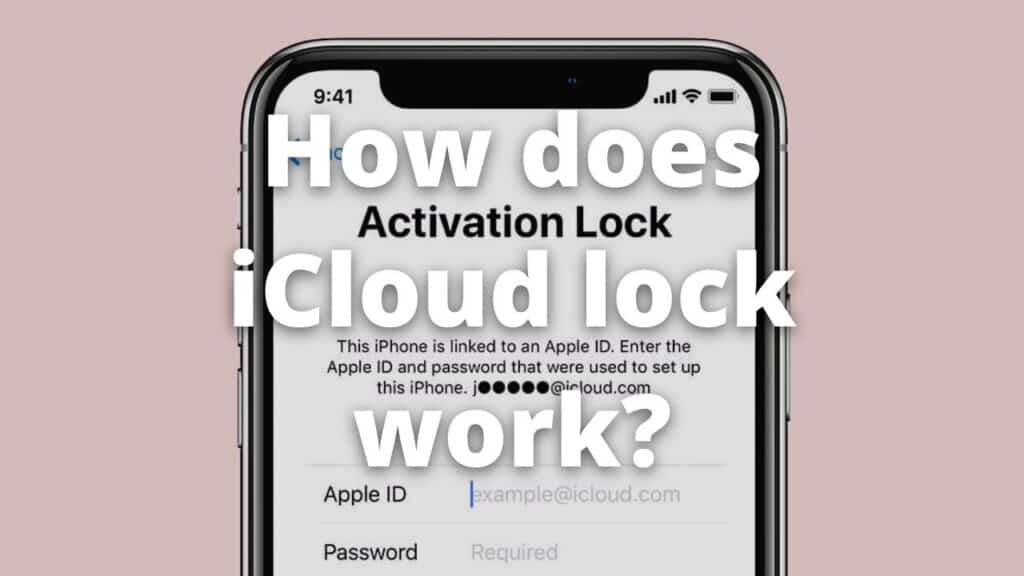
When you enable the “Find My” on any Apple device through iCloud, the activation lock then will be set. If you mark your phone or device as stolen or lost from the official iCloud website, all the functions of your device will be restricted, and you won’t have access to the camera, configurations, any files, or applications from your device. You can set a personalized message with any number or information if the one who found the device wants to give it back to you.
This lock won’t be removed even if you do a factory reset to your device and there’s no way to remove it completely. There are methods that can bypass the home screen but your device will be locked and limited anyways.
Why does this happen?
Mainly the activation lock could happen for three different reasons, the lock is the same in all the situations and will not be removed until you submit the details from the Apple ID attached to it, these situations are:
- If you mark it as stolen or missing your device on iCloud, the lock immediately will be set.
- The device detects a suspicious try to access your phone, if some threat is detected the activation lock will jump.
- A long time from not using the device, the device will enable the activation lock as a security measure.
Is it worth unlocking iCloud?
Yes, removing the activation lock from your device is a good idea if you don’t have access to your phone in any other way. The activation lock is an annoying problem if you completely forgot the details of your Apple ID. Take into account this is just one of the solutions to your problem, first, you should try to recover the Apple ID by asking directly to Apple, they may help you if you remember at least the email.
Is it legal to remove the iCloud lock?
Yes, since you are simply accessing again to your own phone, you are not violating any law by trying to remove the lock from your device, nevertheless, is it illegal if the device is stolen or doesn’t belong to you, you need to be careful since in some places this procedure is legal just through specialized providers.
Which is the difference between bypassing and removing the activation lock?
When we talk about bypass it is the process to skip the lock screen and get into the homepage of your phone, notwithstanding, this bypass is a momentaneous way to access your phone, and in most cases, the main functions of your phone are restricted, such as the connections.
On the other hand, we have the activation lock removal, this is a process carried out by professionals, and under all the norms, this method allows you a permanent unlock and leaves your device completely useful.
SafeUnlocks, iCloud unlock service free
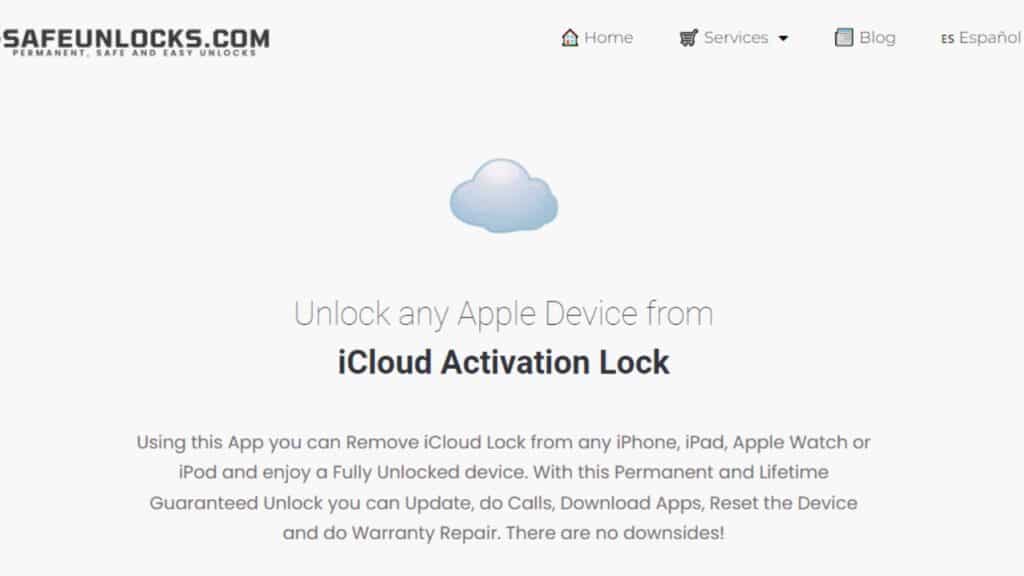
If you are thinking of using a service to remove the activation lock from your Apple device, we have great news for you, SafeUnlocks is a service provider with years of experience in the removal of many types of locks in Android and Apple devices, our services go from carrier unlock to iCloud unlock. We have unlocked thousands of devices from most carriers and operative systems, with a success rate of 99.9%.
Remove the activation lock with SafeUnlocks
Removing the activation lock with SafeUnlocks is an easy, safe and quick process that will not take more than one hour, and you can carry it out from the safety of your home. Our process is very simple and user-friendly, you can do the unlock through our official website, you can click the button below to access our official site:
Once on our website application all you need to do is provide the following details:
- Name.
- Email.
- Device model (iPhone, iPad, iPod, or Apple Watch)
- Select if you have the IMEI or serial Number of your device.
- Enter your IMEI or Serial if you have it.
After, mark the box to accept the $1 fee for the unlock and click on “Proceed”. Take into account this is the only payment we ask to unlock your device permanently, with no hidden fees or trial periods. After providing the details and getting your free membership you will remove the activation lock from your phone in no more than 12 minutes.
We hope this blog helps you to know all the iCloud lock entails, its causes, and possible solutions. Remember, if you need wider information about our procedures or services don’t hesitate to visit our official webpage and our customer service, we are available 24/7/365 to solve all your doubts.