
The process of SIM unlocking your O2 phone eliminates the network restrictions imposed by the carrier, which opens your phone’s cellular bands to any other provider, and overall, its full potential. However, that doesn’t mean it has to be complicated, on the contrary, now thanks to SafeUnlocks‘ tool to unlock O2, it can be done all in a matter of minutes without any policies! Let’s learn together a little more about this lock, how you can fix your handset directly with the carrier, and what to do if you don’t meet the eligibility requirements.
How can I tell if my Phone is Locked to the O2 Network?
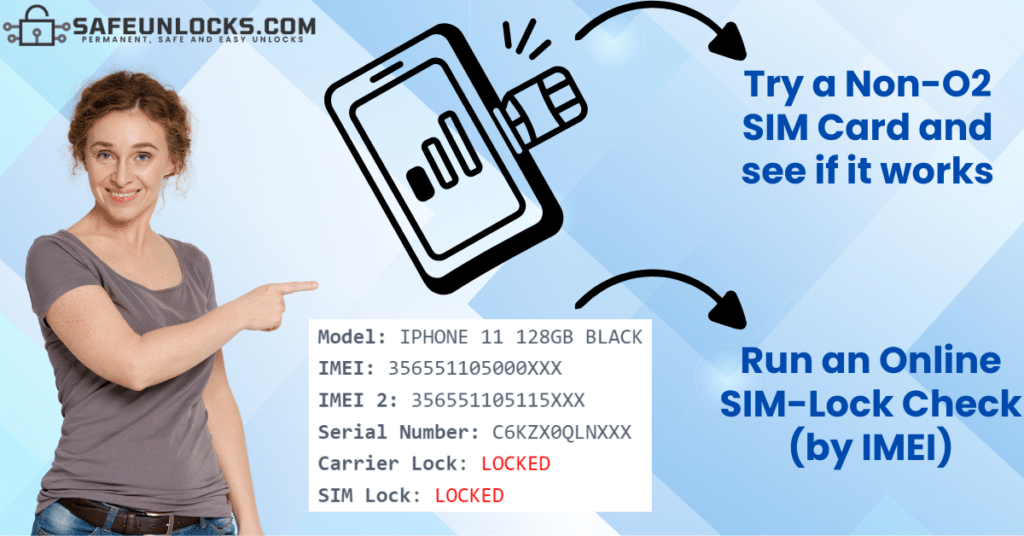
Determining whether your mobile phone has a SIM lock or restriction to O2’s network is incredibly important before you actually submit an unlock request. The good thing is that this lock is super easy to identify; all you have to do is insert a SIM card from a different network provider (a non-O2 SIM) into the phone and see if it works or not:
- If the device works as normal, can get connected to the new network, and lets you use your mobile data, place calls, and use all the normal features of a cellular device, then it’s unlocked.
- If your phone shows you an error, cannot get connected, says that the SIM is not supported, and in addition, doesn’t let you send SMS messages, make calls, or use mobile data, then it’s most likely locked to the O2 network.
What do I do if my Phone is Locked to O2?
Well, this is not a very common scenario because this carrier doesn’t sell locked devices anymore; however, if you bought your smartphone a while ago, then that’s probably the case. Either way, don’t worry because as long as you’re in the UK and meet the carrier’s unlock policies, you’ll be good to get the phone fixed directly with them and start using it with another network. Keep reading and learn how to get a Network Unlock Code by contacting O2’s customer support center, what are the different requirements depending on the tariff you have, and what to do if this option doesn’t work out for you.
Unlocking an O2 “Pay as you Go” Phone
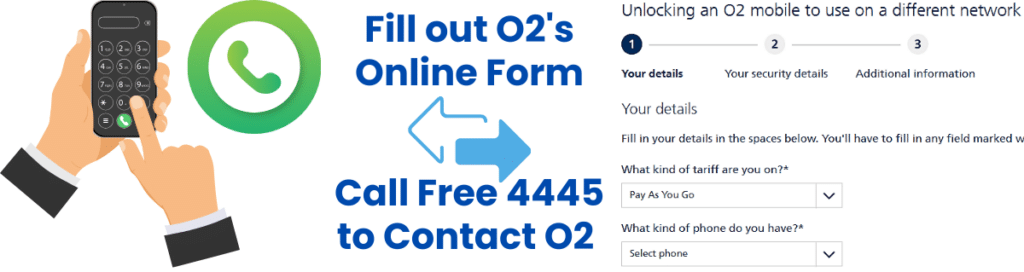
Phones under this tariff are the easiest ones to get fixed because they’re not tied to any contract and cannot be financed on monthly statements, so if this is your case, you’re lucky. All you need to do is call free at 4445 and make your request over the phone, or if not, fill out the online form on O2’s official website.
However, keep in mind that other basic unlock policies still apply to these phones, like for example, being on good terms with the company and being the original owner of the smartphone. Also, don’t forget that you must be in the UK and that the device cannot be reported on the international IMEI blacklist database (blacklisted smartphones cannot be unlocked).
Unlocking a “Pay Monthly” O2 Phone
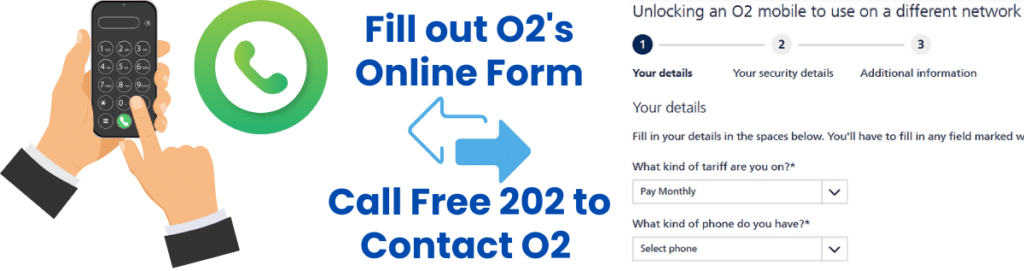
If your phone was bought on the pay monthly tariff, you’ll need to call the number 202 to contact O2’s customer support and make your unlock request with them (only if you’re in the UK). You can also use the company’s online form or through your MyO2 account, but the quickest option is by phone because they process the request at the moment.
However, we do recommend that you check the specifications on your contract because in most cases, you need to meet more or less a year of active service on the network. Also, you must have met the terms of your contract and all the other unlocking policies, not to mention that second-hand phones can’t be unlocked because only the phone’s original owner can place the request.
Unlocking O2 Phones on a Business Tariff
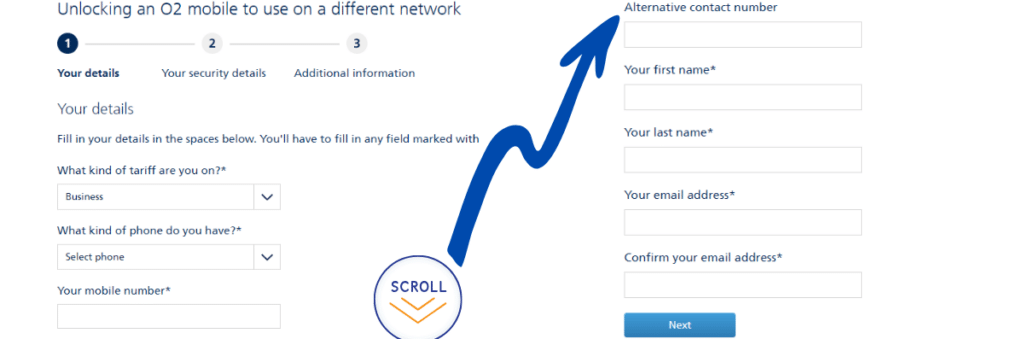
In this case, you must be the main account holder and, as in the other two cases, be in the UK because if not, your request won’t be processed and the device won’t be SIM-unlocked. In addition, you must have met the minimum period of active service (normally a year) and all other applicable policies, which are specified in the contract you signed.
Remember that there’s no number to call for business accounts, only the online unlocking form on O2’s page, and the process normally takes 10 working days, so it is a little bit time-consuming. In fact, in the O2 community, people mention that it can take up to 28 business days.
How can I Unlock my O2 to a different Network if I’m not in the UK?
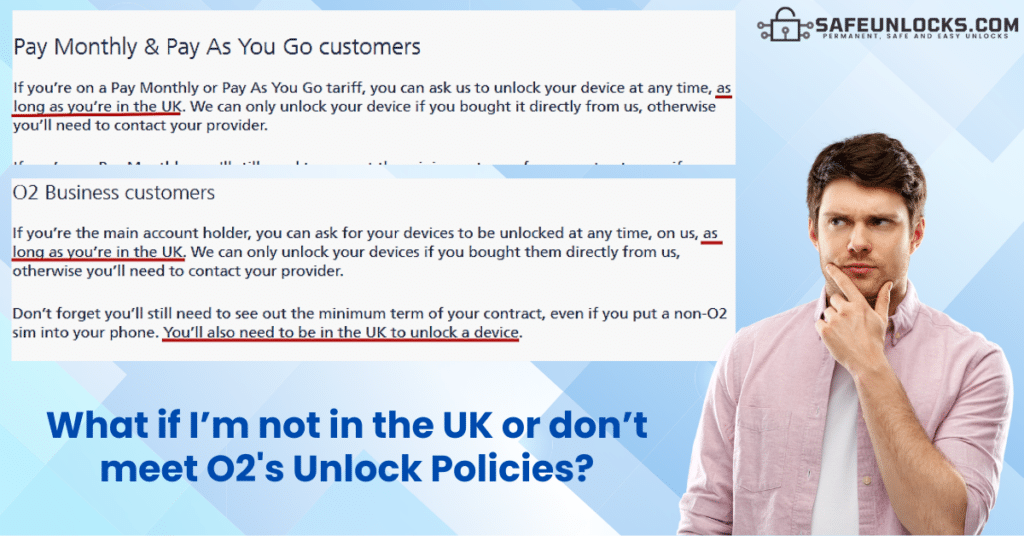
As we mentioned in the previous sections, one of the principal requirements is that it is a must to be in the country for O2 to help you unlock your phone, and that’s not all, you also need to:
- Be the phone’s original owner.
- Have met the minimum term on your contract.
- Wait between 7 and 28 days to get a response.
- Meet any requirement specified in your contract.
This is why the process directly with O2 takes so much time! They need to verify that you meet all their policies, and if not, they’ll simply refuse to get your phone unlocked. However, thanks to SafeUnlocks, there is an innovative alternative for you to complete the process externally, no matter if you’re in another country or don’t meet the carrier’s policies!
Guaranteed Service to SIM-unlock O2 iPhone and Android Devices
In SafeUnlocks, we offer an international service available for both Apple and Android devices (like Xiaomi or Samsung mobile phones), which counts on a 99.9% success rate! Our unlock method is exactly the same as carriers use, we remotely generate your device’s SIMLock or NUC code for you to enter into your phone and permanently fix it.
SafeUnlocks: The #1 Service to SIM Unlock Phones from O2
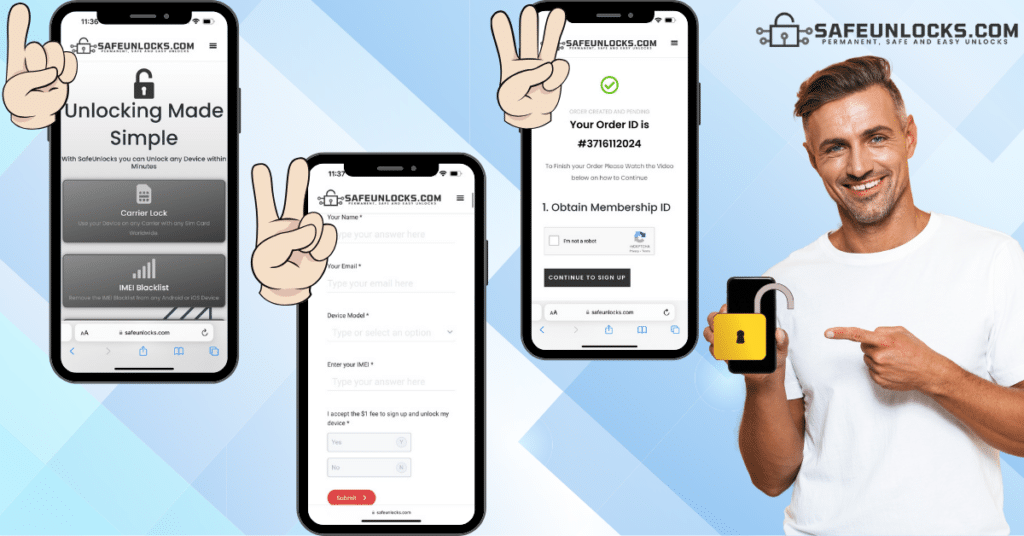
If you want to unlock your smartphone but don’t want to wait for a week or a month to get your code, or simply are in another country and cannot complete the process with the carrier, we can help. It doesn’t really matter if you don’t meet the O2 unlock policies or are not considered “eligible” for any other reason, SafeUnlocks can unblock your phone, only requiring the IMEI number!
Unlock your O2 iPhone or Android via SIMLock Unlock Code!
All you need to do is visit SafeUnlocks.com and click on the box that says “carrier lock” as that’s the type of restriction you’ll be removing today. This will take you to a very quick form you need to fill out with your name and email address (or the contact information of the O2 customer you’re trying to help), along with the brand and IMEI of the phone. After providing the required information, simply:
- Submit the request.
- Activate the order via email.
- Follow the prompts until you finish the process.
Is it Safe to SIM-Unlock my Phone from the O2 Network?
Of course, completing the unlocking process with SafeUnlocks is perfectly safe because we use the same method carriers use, so it’s basically the same but with a third party. You’ll not be asked to jailbreak or root your phone or to give us access to it at any moment, the whole thing is 100% remote, and then you simply receive the code you need. Don’t worry because we won’t ask you for any passwords, you won’t void the phone warranty, and the device will be protected at all times!