
If you’re like most people, you probably don’t want to be locked into a contract with any other carrier. Telus Mobility is a great Canadian carrier, but what if you want to take your phone to another network? That’s where unlock codes come in handy! Today, we’re going to show you how to unlock your Telus phone from the carrier. It’s a quick and easy process, and SafeUnlocks can help get it done for you quickly and easily.
Telus Mobile Devices
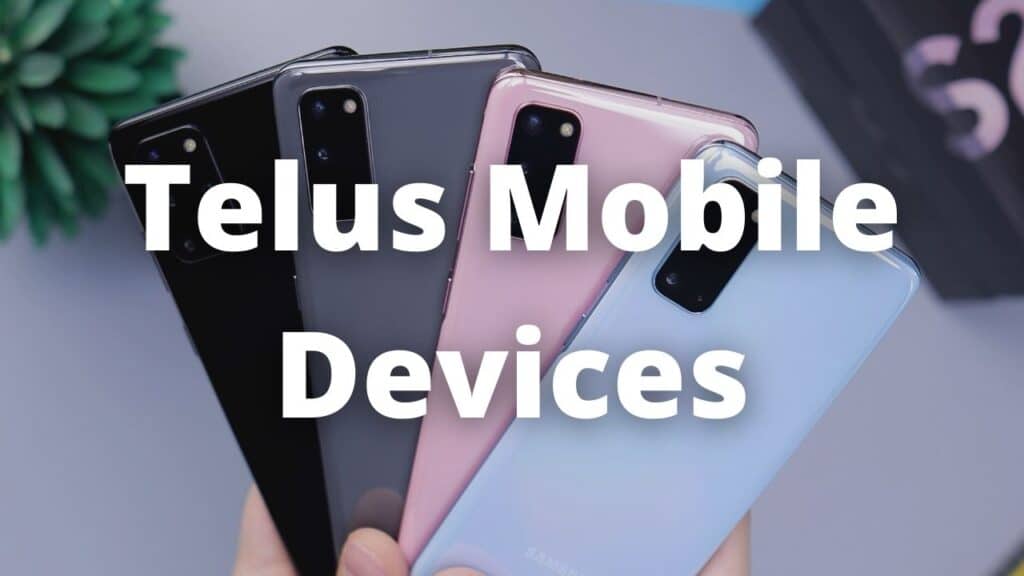
To start let’s talk about Telus Mobility, it is a Canadian wireless network operator and a division of Telus Communications. Telus Mobility sells wireless services in Canada on its LTE, HSPA+, and CDMA networks. As of Q316, Telus had over eight million subscribers. The company operates two different types of cell towers: macrocells and microcells.
Macrocells are the large, traditional cell towers that you see in most places. They provide good coverage over a large area, but they can be expensive to build and maintain.
Microcells are smaller than macrocells and are often used in areas where there is a high demand for wireless service but it’s not economically feasible to build a macrocell. Microcells can be deployed quickly and cheaply, but they don’t have the same coverage as a macrocell.
Telus Mobility has a good network, however, it uses CDMA which is not as common as GSM. This can make it difficult to unlock your phone and use it on another carrier’s network. That’s where SafeUnlocks comes in! We can help you unlock your Telus phone so you can use it on any carrier’s network.
What is a SIM Unlock?
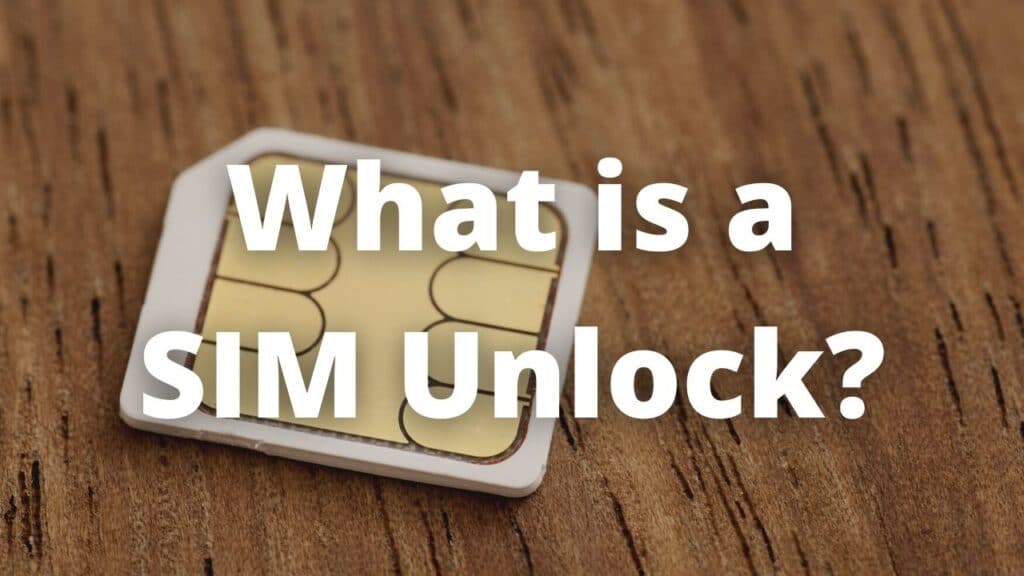
A SIM unlock allows you to use your phone on any carrier’s network, not just the one it’s locked to. Once your phone is unlocked, you’ll be able to use it with any SIM card, anywhere in the world.
There are two types of SIM unlock: carrier unlock and factory unlock. A carrier unlock is when your carrier unlocks your phone for you. This is usually done after you’ve paid off your contract or if you meet certain requirements. A factory unlock is when the manufacturer of your phone unlocks it for you. Factory unlocked phones are usually more expensive, but they can be used on any carrier’s network.
Advantages of unlocking Telus phone
Unlock a phone whether an iPhone or an Android device can provide you with important perks, commonly people think to unlock a phone is just a way to use a different carrier or sim card with your phone, nonetheless, this process is more than just open the networks available for your smartphone. some advantages are:
Save money
An unlocked phone can help you with your finances, with it you can choose a plan or carrier that offers you a better deal than your current carrier, there are so many MVNO carriers working under big carriers’ networks at a lower cost, you can enjoy the same coverage.
Connected everywhere
You can forget about roaming costs, an unlocked phone can use any carrier all around the world with no restrictions. This is useful for businesses or for users which travel so much, it’s as easy as getting a sim card from a local carrier, paying a plan, and enjoying their networks.
Update your phone earlier
An unlocked phone always is going to update sooner than a locked phone, the reason behind this is unlocked phones receive the updates directly from the manufacturer, instead, locked phones receive the update from carriers. Carriers need to check the update, optimize, and after a time, release it to their phones.
Disadvantages of unlocked phones
Unlock a phone also can carry some drawbacks, these drawbacks are focused on mainly two disadvantages, when you unlock a device with a current contract with your carrier you can lose the warranty of your phone, the carriers are not responsible if you have some inconvenient when unlock, nonetheless, this warranty with the carrier is just available for the first month, commonly, expires after you end the payment of your phone.
The second drawback is blocking your phone permanently, not being able to use it anymore, this could happen if you do the unlock on your own or with unsafe methods. We recommend carrying out the unlock with a professional service, with much experience, and with a guarantee with all their services like SafeUnlocks, doing it in this way the risks are almost inexistent.
Unlock your phone with SafeUnlocks
SafeUnlocks can help you unlock your Telus phone from the carrier quickly and easily. We are experts in the unlocking process with more than 200.000 devices unlocked from most carriers around the world and most popular brands, no matter if you have an iPhone or an Android phone the process and unlocking time is the same (average unlocking time of 5 minutes per device). We are the best deal you can find on the whole internet, with a really affordable price ($1 per unlocked phone).
To unlock your phone you need to follow two simple steps, first, visit our official website application, you can do it by clicking the button below:
Free membership
Once on our page, you need to fill out a small form with the basic information to unlock your phone: Name, email, device model, and IMEI number, after it you will be taken to the second step, get a free membership with us to access to our services, this process doesn’t have any cost to you and you can get your membership within minutes with your email.
Following these simple steps, you will enjoy a completely free and unlocked phone, remember, all our unlocks are permanent and with a guarantee for a lifetime. If you have any questions or inquiries about us or our services you can always contact our customer service, it’s available 24/7/365 for you, SafeUnlocks, permanent, safe, and easy unlocks.