
If you’re like most iPhone owners, you want the freedom to use any carrier you choose. Unfortunately, most carriers lock your phone to their network, so you can’t use a different SIM card. But don’t worry – it’s easy to unlock your iPhone! In this post, we’ll discuss the advantages and disadvantages of unlocking sim cards and show you how to unlock your iPhone safely and affordably. So keep reading for all the information you need to make an informed decision about unlocking sim cards!
Is it a good idea to unlock an iPhone?
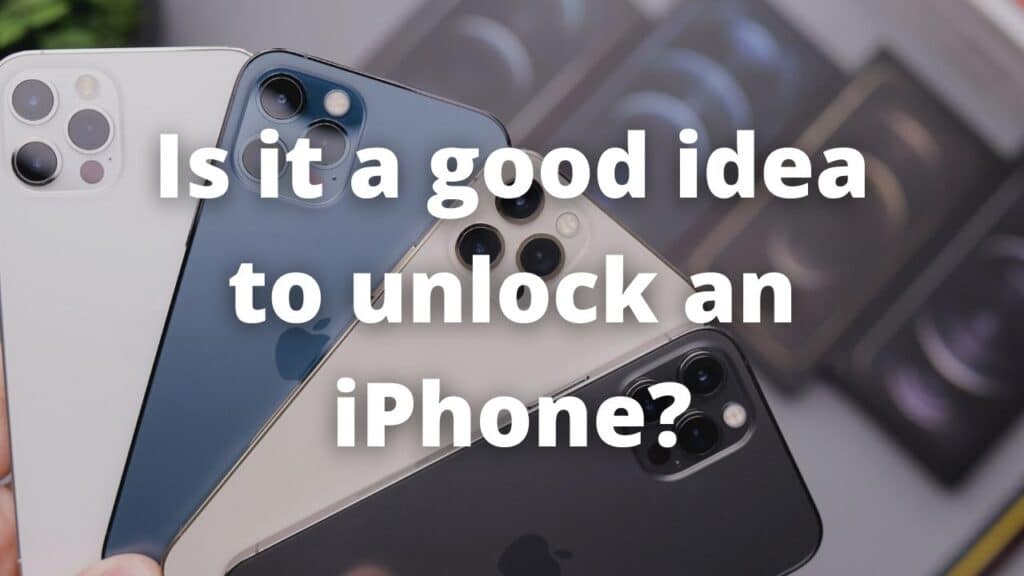
You need to be aware of all unlocking a phone means, unlocking a phone is a personal decision that doing in the right way can provide you with freedom and a more capable device, remember a locked phone and one unlocked can be used without any problem on your daily. However, locked phones have some restrictions like the limit of networks they can access, being attached to the same carrier and their plans, a delay on software updates, etcetera.
The benefits of unlocked phones are wide and if you want to know some of them and more details about the unlocking process we invite you to continue reading this blog.
Why do carriers lock iPhones?
Often, when you get an iPhone from any carrier you can notice there are some sim restrictions, you are not available to switch to different carriers, you only can use the own sim card that they provide you or configure for you, this is a common practice from carriers to retain their customers since there is much competence among carriers. The operators limit the number of networks that your phone can use to just use their networks, there are 2 ways to unlock your phone with the minor risk and we will talk about them later.
What is a SIM card?
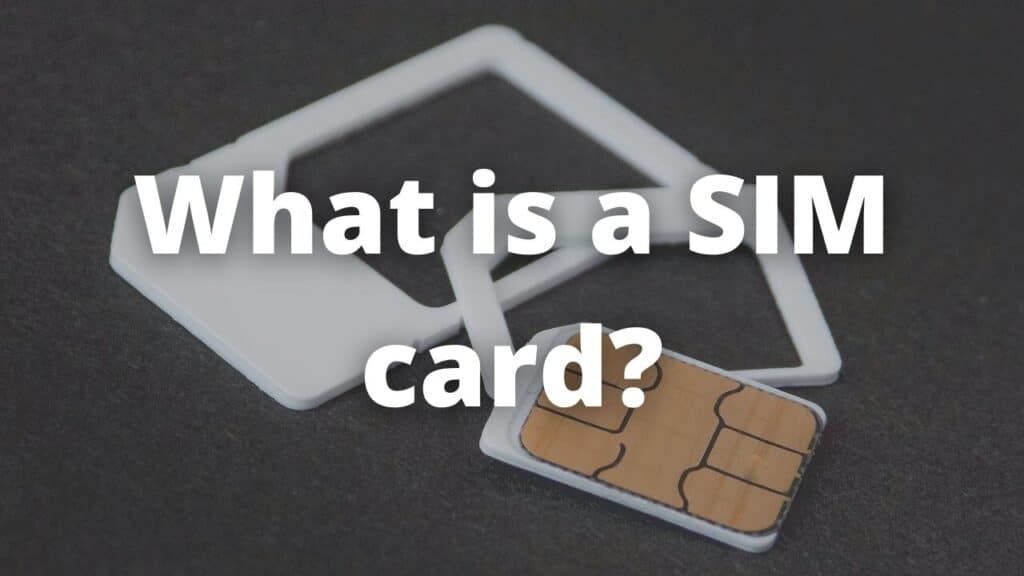
A sim card is a removable small card that contains information about your mobile phone number, contacts, and text messages. It also allows you to connect to the internet and make calls. Most carrier-locked phones come with a SIM card from the carrier, so you can only use their services. But if you unlock your iPhone, you can use any carrier’s SIM card. That means you’re not tied to one carrier and can switch carriers at any time. You can also use an international SIM card when you travel abroad, which can save you a lot of money on roaming charges.
So now that we know what a sim card is, let’s talk about the advantages and disadvantages of unlocking them.
Advantages of unlocking phones
There are so many advantages to unlocking an iPhone the most known is the possibility of using any carrier or sim card from other carriers but, besides this, you can also:
- Update your phone early, unlocked iPhones get the updates directly from apple thus, you will get your update pack along with the update schedule from the company. Locked phones need to wait until the carrier checks the update and after release it again.
- Save money, you can avoid using the roaming costs since you can get a plan from a local carrier wherever you travel, besides, you can get a plan that fits your necessities so you don’t need to pay more for the same service.
- Resell your old iPhone at a higher price, on the second-hand market unlocked iPhones are always bought at better prices and more easily than phones locked, which are more useful for customers.
Ways to unlock SIM card iPhone
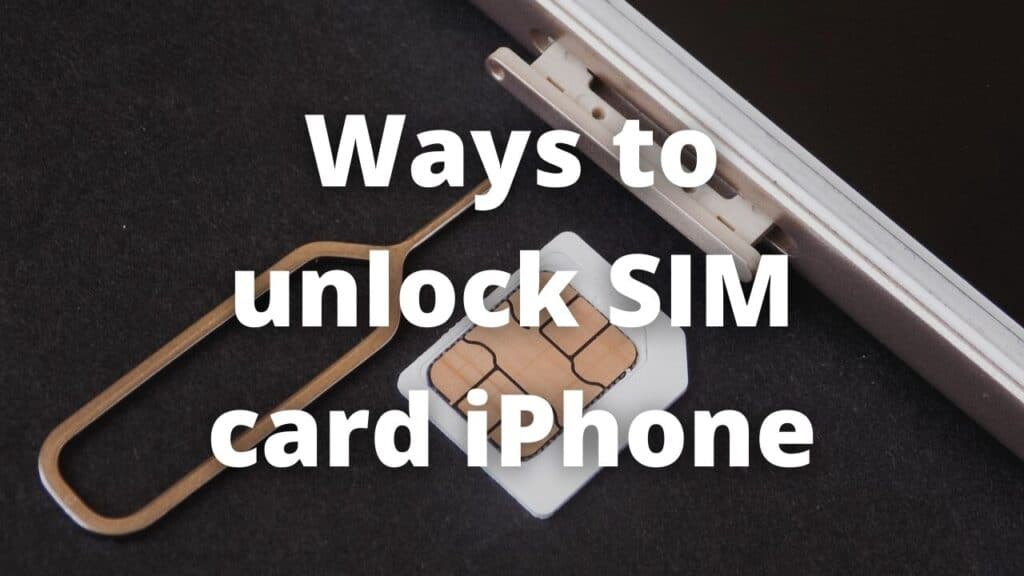
You have two reliable ways to unlock your device, there are more ways and methods but if you want a safe and permanent way to unlock your phone you can go for:
Unlock with carrier
You can unlock your phone directly with your current carrier, for this, you need to make a petition asking for the viability to unlock your device. You need to accomplish some requirements first such as having paid the total of your phone with them and ending the contract, the drawback of this method is the time it takes to unlock your phone (normally some days) and you need to pay a fee to unlock your phone.
Unlock with a third-party service
You can also use a service with a third party to unlock your smartphone, this unlocking method is cheaper and faster than unlocking directly with the carrier, you can find many places and services on the internet, nonetheless, you need to be cautious since you need to choose a permanent unlock and not a trial service, besides, you need to do the unlocking with a reliable and well-known page like SafeUnlocks.
Unlock your iPhone with SafeUnlocks!
If you took the important decision of unlocking your iPhone we invite you to use our services to carry out the unlocking, with more than 200.000 devices unlocked from most carriers and most popular brands we can assure you we can unlock your iPhone regardless of the operator you bought from, our service is fast, safe, and permanent, with a minimal fee of $1 you can unlock your phone and enjoy all the perks of a completely free iPhone within minutes (our average unlocking time is 5 minutes per unlock).
If you have any doubts or inquiries about the unlocking process with SafeUnlocks we invite you to contact our customer service, we are available 24/7/365 giving you support and accompanying you during the process. On our main page, you will find blogs with important information and more details about the steps to unlock your iPhone with us. SafeUnlocks, permanent, safe, and easy unlocks.