
Skip to content

Leading FRP Unlock Service Tool | Motorola

Fast & Reliable Blacklist Unlock Service

Struggling to unlock your Motorola device? With SafeUnlocks, getting past FRP is faster and easier than ever. Our online service is designed to unlock your Motorola phone in just a few simple steps, ensuring a smooth process without the headache. No more waiting or dealing with complicated methods—SafeUnlocks offers a secure, reliable, and rapid solution to get your device back in your hands. 

Nowadays, dealing with the Google FRP lock is not complicated, as there are many tools that can help. Today, we want to focus on one of the most used and recognized FRP unlock Motorola tools called SafeUnlocks! An online solution that is ready to explain what this lock is and how you can avoid having issues again with it once you are done with the unlock process we have prepared for you today. So, let’s start!

What Triggers the FRP Lock on a Motorola Device?
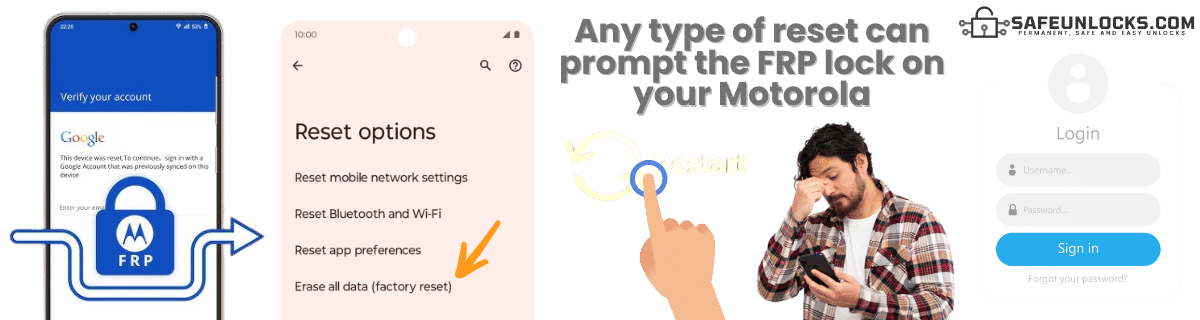
What Triggers the FRP Lock on a Motorola Device?

The FRP lock on your Motorola device is triggered when a factory reset is performed to delete the phone’s data, and it is still signed into a Google account. When that happens, this security measure gets activated, and the next time you try to access the device, it will ask for the Google account and password you created the first time you set up the device. Besides locking the main screen of the phone, it has other functions like:

šŸ“µ Prevents Unauthorized Use: If someone tries to factory reset the phone to erase your data and start fresh, they’ll need to sign in with the Google account that was originally used on the device.

ā˜‚ļø Security: This protects your personal information, photos, emails, and apps from being accessed by anyone who finds or steals your phone.
Is it Possible to Set Up a Motorola Android without a Google Account?

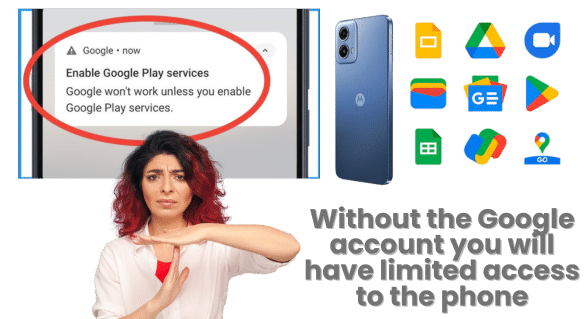
Yes, in this case, it is possible to make a Motorola phone without the Google credentials tied to it, but there are some limitations, especially with Google services like the Play Store, Gmail, Google Backup, and Google Drive/Photos. However, besides that, you can still use the phone for basic functions like calling, texting, and using non-Google apps. 

You can also download apps from some third-party sources (outside of Google Play Services), but unfortunately, this comes with security risks, so it’s not recommended unless you know what you’re doing…

Is it Possible to Set Up a Motorola Android without a Google Account?

Will Flashing a Motorola Phone Remove or Bypass FRP Locks?

No, as flashing involves installing or reinstalling the phone’s firmware (the system software). What it does is restore the phone to its factory state or upgrade the software to a newer version, but that’s it. This means that the factory reset protection will still be active, but with a newer Android version, so if that update has new features for the FRP, it can be even more complicated to remove the FRP lock in the future. 

Is there a Difference Between Another Android FRP and a Motorola FRP?

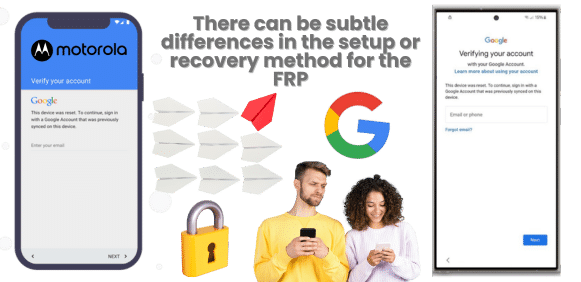
The main FRP functionality is the same on any device running Android. The only differences or changes are basically some of the features that Motorola has to protect the user’s data, such as the setup wizard to access the device, or even recover the password to unlock your Motorola phone. This can also affect some bypass methods, as it can vary by brand and even by device model, but the main FRP lock screen and factory reset process are the same for all devices. 

Is there a Difference Between Another Android FRP and a Motorola FRP?
Important Information

Is there a Way to Bypass FRP Lock on Motorola without Google Account?

Using legitimate methods to bypass Google Lock on Motorola requires you to have access to the account, as it is impossible to do so without it. For other bypass Google verification methods, you need to be careful, as they can generate issues with Motorola, like malware, data theft, voiding your warranty, and even being illegal in some regions.

So, make sure to choose a method for the Moto FRP bypass that doesn't interfere with anything inside the device, and avoid flashing or installing an unknown FRP bypass APK for this process.

Security Warning

Unofficial FRP bypass methods may expose your device to security risks including malware, data theft, warranty void, and potential legal issues. Always use legitimate methods when possible.

Recommended Approach

  • Use official Google account recovery methods first
  • Avoid unknown APK installations or device flashing
  • Choose safe, legitimate bypass services when necessary

Is Bypassing an FRP on Motorola Illegal?
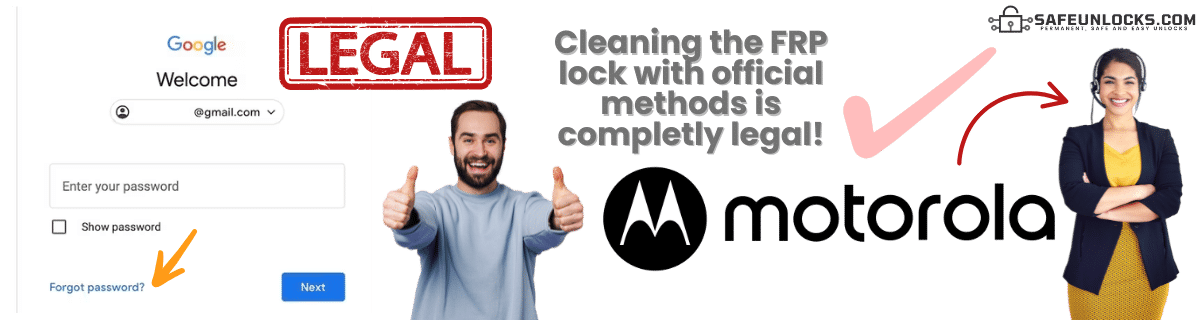
Is Bypassing an FRP on Motorola Illegal?

If, for example, you work with the device manufacturer (like Motorola) or authorized service providers like Google, bypassing the FRP is legal, as it can be used to recover or repair your device, especially if you can prove ownership. For other Motorola FRP bypass tools, it depends on the country you are located in, how safe the tool is, and what you need to do to remove FRP locks.

Because of this, it is considered a grey area. This is because there are many Moto FRP bypass tools that can help you remove this lock without so many issues on any Android phone (like SafeUnlocks). Still, there are some that can affect your device, steal your info, or scam you… 
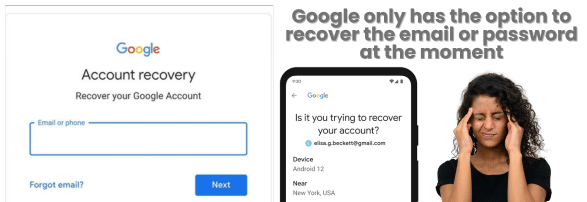
Can Google Bypass the FRP Lock For Me?

Can Google Bypass the FRP Lock For Me?

Google cannot bypass the FRP lock for you… The only legitimate way to bypass the FRP lock is by logging in with the Google account credentials that were previously linked to the device. If you can’t access your Google account, you can use Google’s account recovery process to regain access to your Android device, but other than that, Google cannot directly unlock the device for you.

Can the FRP Unlock Process be done on any Type of Motorola?

It should be possible, but keep in mind that the success rate and even the unlock process can vary, as it depends on the model of the device, the Android version it has, and the security features implemented by Motorola. That’s why so many methods online that were able to bypass the Google account before now are not working or are obsolete, since every update tries to patch security breaches that can be exploited to bypass FRP on Motorola. 

FRP Unlock Motorola Solutions with SafeUnlocks!
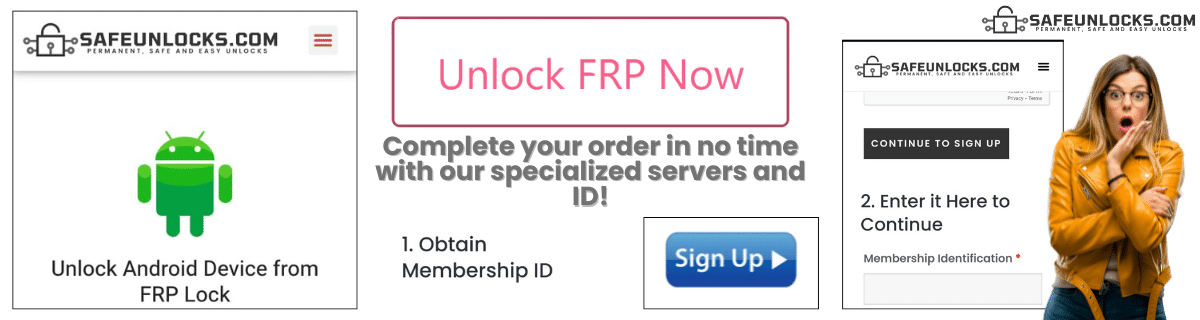
FRP Unlock Motorola Solutions with SafeUnlocks!

You only need to follow some simple instructions to get rid of the FRP screen lock and remove the Google verification process.

āœ…Step 1: Visit SafeUnlock.com and complete the form with name, email, Android model, and IMEI or serial number to identify your device.

āœ…Step 2: Register on our site and make the $2 payment to obtain the membership ID.

āœ…Step 3: Once you enter this ID, you will get an email with dummy credentials to bypass Google verification on Motorola.

āœ…Step 4: Enter the dummy on your phone and clean the FRP in minutes. 

FRP Unlock Service

Identifier Type *

You can find your IMEI by dialing *#06# on your device or in Settings → General → About.

How to compare Motorola FRP (Factory Reset Protection)

FRP is Google’s factory-reset login. After a reset, the phone wants the Google account that was on it. Motorola FRP (Factory Reset Protection) is an account lock, not a carrier SIM lock. Compare official Google or brand recovery against shop listings in 2026.

Write down the official unlock or recovery rules from Motorola before you open a third-party form. Eligibility, fees, and turnaround belong in that note. If a listing contradicts the published policy, treat the listing as the weaker source.

If you cannot show the IMEI and the lock screen, you cannot compare listings honestly. Motorola FRP (Factory Reset Protection) depends on those two facts. /random-imei-generator-online explains IMEI structure; it is not a blacklist cleaner or a network release.

SafeUnlocks publishes comparison copy for ā€œFRP Unlock Motorola: Bypass Guide for Locked Phones.ā€ We do not take payment to unlock a device, and we do not run a hidden shop behind this URL. If a form appears on the page, treat it as a path into a listed partner flow, then read the partner’s terms before you send an IMEI.

Skim the headings, then the related FRP guides. If a child page names a different country or brand than Motorola FRP (Factory Reset Protection), it is a sibling, not a translation of this URL. That is how the comparison set is organized.

Motorola hardware still uses the same lock families as other phones, but menus and official tools differ. For FRP (Factory Reset Protection) in 2026, prefer steps that name this model line instead of a generic Android or iPhone screenshot.

A shop that sells one price for every lock type is not comparing the same job. Motorola FRP (Factory Reset Protection) sits in the frp bucket. Cross-check the lock screen against that bucket before you treat a quote as relevant.

Ask every listing for Motorola FRP (Factory Reset Protection) whether a finance hold or theft report blocks the job. A shop that will not answer that in writing is not a complete option on this comparison page.

Timelines for Motorola FRP (Factory Reset Protection) are not one number. Official carrier or brand desks may take hours or several days. Blacklist and Activation Lock cases can sit longer because a third party owns the record. Any 2026 ā€œfive minuteā€ claim should name which lock type it is talking about.

If the line still owes money, official desks will often refuse Motorola FRP (Factory Reset Protection). Third-party listings that ignore that sentence are selling a different job than the one on the lock screen.

Bookmark the official policy and your IMEI note, then use the FRP guides to move sideways. Motorola FRP (Factory Reset Protection) is one node in that map, not a promise that every device in the family will qualify.