Struggling to unlock your Motorola device? With SafeUnlocks, getting past FRP is faster and easier than ever. Our online service is designed to unlock your Motorola phone in just a few simple steps, ensuring a smooth process without the headache. No more waiting or dealing with complicated methods—SafeUnlocks offers a secure, reliable, and rapid solution to get your device back in your hands.
Nowadays, dealing with the Google FRP lock is not complicated, as there are many tools that can help. Today, we want to focus on one of the most used and recognized FRP unlock Motorola tools called SafeUnlocks! An online solution that is ready to explain what this lock is and how you can avoid having issues again with it once you are done with the unlock process we have prepared for you today. So, let’s start!

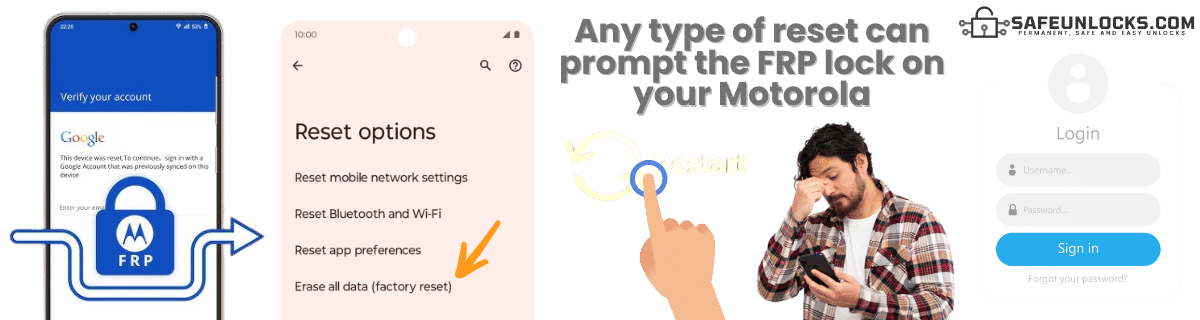
The FRP lock on your Motorola device is triggered when a factory reset is performed to delete the phone’s data, and it is still signed into a Google account. When that happens, this security measure gets activated, and the next time you try to access the device, it will ask for the Google account and password you created the first time you set up the device. Besides locking the main screen of the phone, it has other functions like:
📵 Prevents Unauthorized Use: If someone tries to factory reset the phone to erase your data and start fresh, they’ll need to sign in with the Google account that was originally used on the device.
☂️ Security: This protects your personal information, photos, emails, and apps from being accessed by anyone who finds or steals your phone.
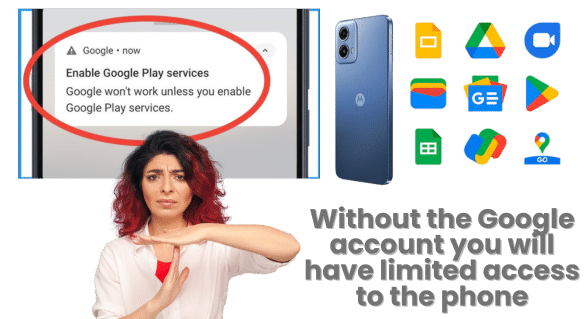
Yes, in this case, it is possible to make a Motorola phone without the Google credentials tied to it, but there are some limitations, especially with Google services like the Play Store, Gmail, Google Backup, and Google Drive/Photos. However, besides that, you can still use the phone for basic functions like calling, texting, and using non-Google apps.
You can also download apps from some third-party sources (outside of Google Play Services), but unfortunately, this comes with security risks, so it’s not recommended unless you know what you’re doing…
No, as flashing involves installing or reinstalling the phone’s firmware (the system software). What it does is restore the phone to its factory state or upgrade the software to a newer version, but that’s it. This means that the factory reset protection will still be active, but with a newer Android version, so if that update has new features for the FRP, it can be even more complicated to remove the FRP lock in the future.
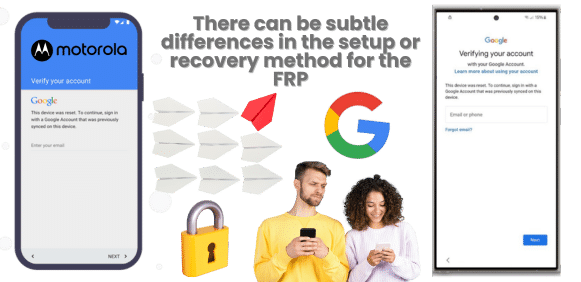
The main FRP functionality is the same on any device running Android. The only differences or changes are basically some of the features that Motorola has to protect the user’s data, such as the setup wizard to access the device, or even recover the password to unlock your Motorola phone. This can also affect some bypass methods, as it can vary by brand and even by device model, but the main FRP lock screen and factory reset process are the same for all devices.
Using legitimate methods to bypass Google Lock on Motorola requires you to have access to the account, as it is impossible to do so without it. For other bypass Google verification methods, you need to be careful, as they can generate issues with Motorola, like malware, data theft, voiding your warranty, and even being illegal in some regions.
So, make sure to choose a method for the Moto FRP bypass that doesn't interfere with anything inside the device, and avoid flashing or installing an unknown FRP bypass APK for this process.
Unofficial FRP bypass methods may expose your device to security risks including malware, data theft, warranty void, and potential legal issues. Always use legitimate methods when possible.

If, for example, you work with the device manufacturer (like Motorola) or authorized service providers like Google, bypassing the FRP is legal, as it can be used to recover or repair your device, especially if you can prove ownership. For other Motorola FRP bypass tools, it depends on the country you are located in, how safe the tool is, and what you need to do to remove FRP locks.
Because of this, it is considered a grey area. This is because there are many Moto FRP bypass tools that can help you remove this lock without so many issues on any Android phone (like SafeUnlocks). Still, there are some that can affect your device, steal your info, or scam you…
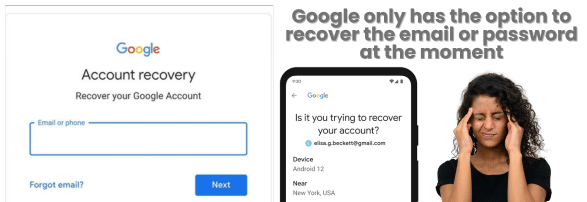
Google cannot bypass the FRP lock for you… The only legitimate way to bypass the FRP lock is by logging in with the Google account credentials that were previously linked to the device. If you can’t access your Google account, you can use Google’s account recovery process to regain access to your Android device, but other than that, Google cannot directly unlock the device for you.
It should be possible, but keep in mind that the success rate and even the unlock process can vary, as it depends on the model of the device, the Android version it has, and the security features implemented by Motorola. That’s why so many methods online that were able to bypass the Google account before now are not working or are obsolete, since every update tries to patch security breaches that can be exploited to bypass FRP on Motorola.

You only need to follow some simple instructions to get rid of the FRP screen lock and remove the Google verification process.
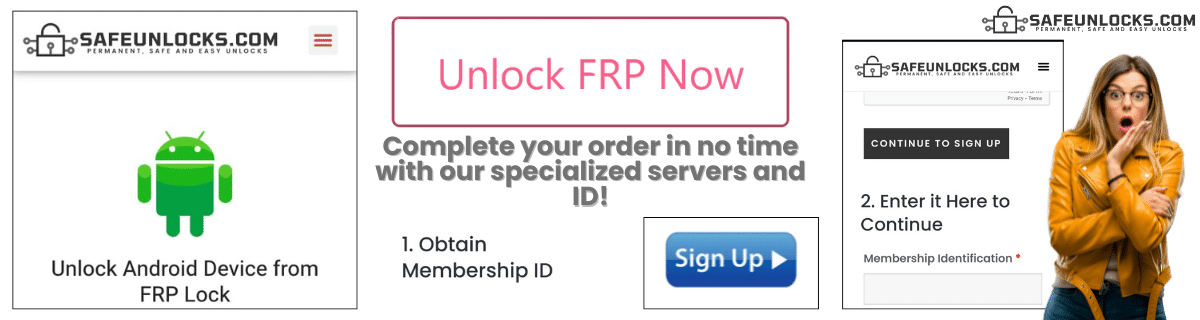
✅Step 1: Visit SafeUnlock.com and complete the form with name, email, Android model, and IMEI or serial number to identify your device.
✅Step 2: Register on our site and make the $2 payment to obtain the membership ID.
✅Step 3: Once you enter this ID, you will get an email with dummy credentials to bypass Google verification on Motorola.
✅Step 4: Enter the dummy on your phone and clean the FRP in minutes.
No, it’s not recommended to rely on Motorola FRP Bypass APKs. These third-party apps can be risky because they might:
In this case, using official methods like Google Account Recovery or Motorola support to unlock your device or bypass Motorola FRP locks is safer.
Yes, the FRP (Factory Reset Protection) is enabled by default on all Android 5.1 or higher Motorola devices. So, even new devices that are currently being set up will have this option active the next time someone tries to factory reset without the credentials at hand.
It depends on the method used for bypassing FRP on your Motorola, but if it happens with SafeUnlocks, don’t hesitate to contact us so we can fix this issue as soon as possible. That way, you can try the process again and unlock your Motorola this time.