
Unlock a Motorola phone. Motorola is a well-known brand all around the world, known for its high-quality smartphones. Even nowadays, their devices are some of the most capable and popular options on the market. However, if you have a Motorola phone that’s locked to a specific carrier, you may find that it can be quite limited in terms of what you can do with it. But don’t worry – we have a solution! SafeUnlocks offers an unlocking service that will enable your Motorola phone to work with any carrier worldwide. So whether you’re traveling and need to use a local SIM card or simply want the freedom to choose your carrier, SafeUnlocks has you covered.
What is Motorola?
Motorola is an American telecommunications company founded on September 25, 1928, by Paul V. Galvin as the Galvin Manufacturing Corporation. It is one of the world’s largest telecommunications companies and has played a significant role in developing mobile phones. Motorola is one of the biggest manufacturers of smartphones in the whole world providing their buyers, with smartphones with top features such as cameras, processors, screens, the latest operative system from google, and more. Their smartphones are quite popular among people thanks to their offering good smartphones at low prices.
Why should I unlock my Motorola phone?
First, let’s talk about why carriers blocked the phones. When you buy a device from a carrier you can get it easily since they offer facilities such as monthly fees and also offer secures for your phone, however, the way the carrier attaches their clients is by blocking the number of carriers the phone can use, giving just exclusivity to the carriers’ network. Unlocking a Motorola phone can present more advantages than using a different carrier, now we are going to tell you some of them.
Benefits of an unlocked phone
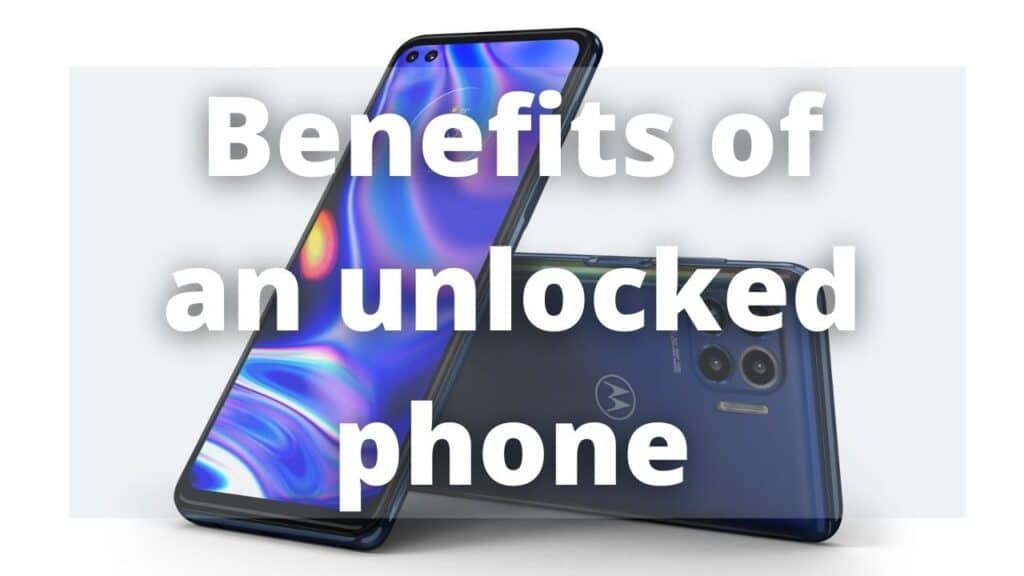
An unlocked phone is a world of possibilities, besides the main advantage of using your Motorola phone with any carrier all around the world you also can:
- Use your phone everywhere with any carrier, this is an important characteristic since you don’t need to use your roaming to have data in other countries, you just need to get a SIM card from a local carrier and start to use their plans.
- Update faster, this is more of an advantage for newer devices, in general, every time the manufacturer releases an update the carriers need to give some details to that update, check it, and then release it which takes time. An unlocked phone doesn’t have this problem, it updates at the same moment the manufacturer deploys the update.
- If someday you want to change your old phone, you may sell it easily and at a higher price, if it’s unlocked, the possible buyers seek this kind of device.
Is unlocking my Motorola phone illegal?
No, unlocking your phone is not illegal. However, unlocking your phone for use with another carrier may be against the carrier’s terms of service. It is always best to check with your carrier before unlocking your phone.
Unlocking a phone with SafeUnlocks
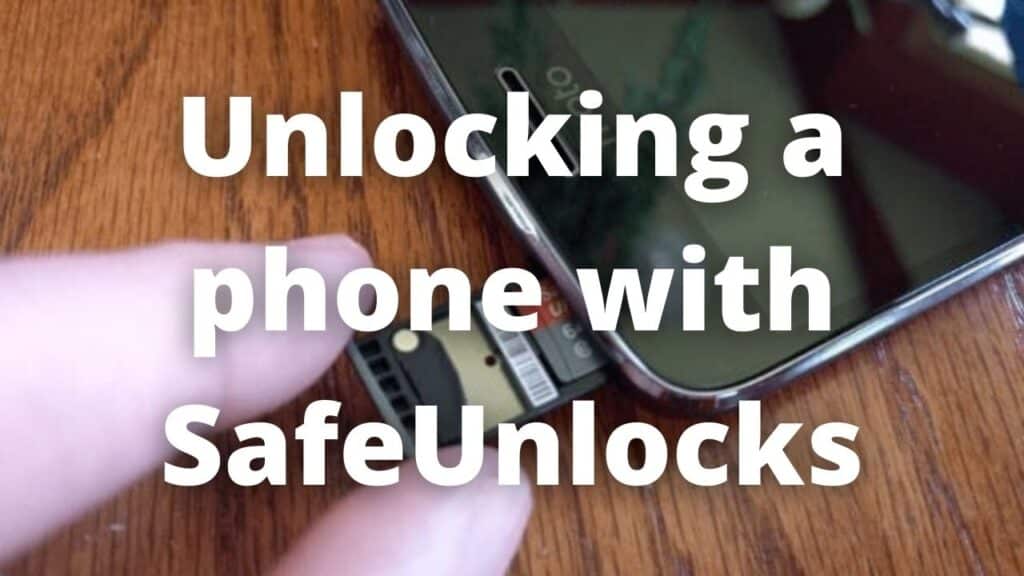
To start with the unlocking process with SafeUnlocks you just need to visit our official website application, you can access it just by clicking the link below, and after, follow some simple steps.
Step by step
Once on our official webpage, you will notice a form, this form is simple and doesn’t require any other information more than the pertinent to lead the unlocking process, these details are:
- Name.
- Email.
- Device model.
- IMEI number.
Also, you will see a little box to mark “I accept the $1 fee to sign up and unlock my device” this is the only fee we ask for, we use this dollar to check the device information to make sure we are unlocking the right phone with a reliable third-party website after it you can proceed with the next step.
Free membership
To access the services you just need to get a free membership with us, this is a quick process cost-free, you just need to wait for the confirmation code once you filled in your details. Keep this code (don’t worry, is also sent to your email), place this code on the verification field and that’s all, now you are a member able to unlock your phone.
Why choose SafeUnlocks?
Among the pages that offer to unlock your phone, SafeUnlocks is your best option. Our service stands out for being permanent, safe, fast, and easy to carry out. With more than 200.000 unlocked devices, a high rate of satisfaction, and an average unlock time of 5 minutes, SafeUnlocks become the most reliable provider you can get on the whole internet. Besides, we assure you we can unlock your Motorola phone with a 99.9% success rate, and support most carriers in the world.
A reliable service
Additionally, if you present any inquiries or questions about our process you can just contact us with the contact form on our webpage or if you are already a member, by email. Our experts will accompany you and give you help with anything you need in the unlock process, during and after the service, moreover, we give you a lifetime guarantee with all our processes, so you don’t have to worry about anything.
Now that you know everything about unlocking your Motorola phone with SafeUnlocks, it’s time for you to take the final step and end this article with a smile on your face, knowing your device is now more capable than ever. We hope you choose us as your unlocking provider, and we assure you won’t regret it!