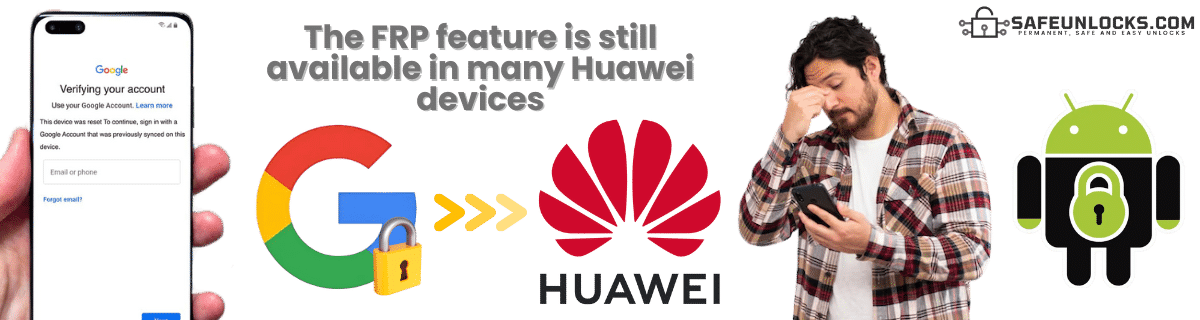
SafeUnlocks is here to help with fast, affordable FRP bypass services designed specifically for Huawei smartphones. Our system works with a wide range of Huawei models, and most unlocks are completed in just a few minutes. Whether it’s your personal phone or a second-hand device, unlock it the smart way with SafeUnlocks today.
In SafeUnlocks, we want you to take full advantage of your Huawei device, and because of that, we understand how frustrating it can be to be locked out because of the FRP. With that in mind, we invite you to learn a little more about our easy-to-use, fast, safe, and pretty effective FRP unlock Huawei solution and how to remove this screen lock once and for all without having to connect your phone to a PC.

Yes, Huawei continues to implement Factory Reset Protection (FRP) on its newer devices. This includes those running HarmonyOS (the main operating system of these smartphones). This security feature is still implemented as a good way to ensure that even after a factory reset, the device remains locked to the original Google account, preventing unauthorized access.
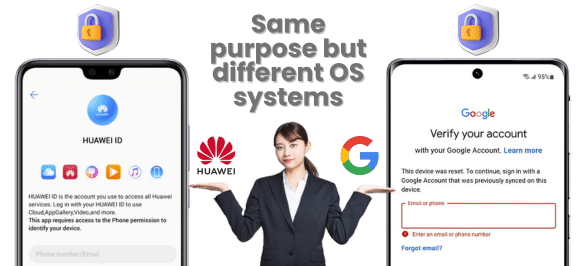
However, besides the FRP lock on Huawei, Huawei has introduced its own security measures, such as bootloader locking and Huawei ID, which can complicate the FRP bypass process. Still, the FRP is the same, and the process to recover a Google account on Huawei is the same: either you do it with the recovery option or try the Huawei ID to bypass the screen lock.
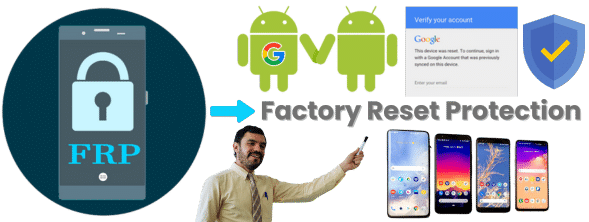
FRP on Huawei and Android devices stands for Factory Reset Protection. It’s a security feature designed by Google to prevent unauthorized access to a device after it has been factory reset. It was created for Android 5, and since it became so good at protecting users’ data, they decided to keep it and update it as much as possible to patch exploits and dangerous programs or APKs to bypass FRP on Huawei and other Android devices.
Basically, the Huawei ID Lock is Huawei’s own version of FRP. Another layer of security is implemented by creating HarmonyOS, a proprietary user account system similar to a Google account or Apple ID. So, let’s say you don’t have the Google account on your Huawei Active but have the ID instead; then, once you do the reset, it will still implement the lock and ask for the credentials associated with the smartphone.
Yes, it can be deleted, but in this case, you will lose and erase all access to Huawei services (AppGallery, Themes, Cloud, etc.). It is also important to note that if you are going to delete this account, you also need to remove it from the phone, as otherwise, it can activate the FRP lock if the phone is reset. Also, keep in mind that only the original owner can have access to those credentials, and once they are deleted, they can’t be recovered.

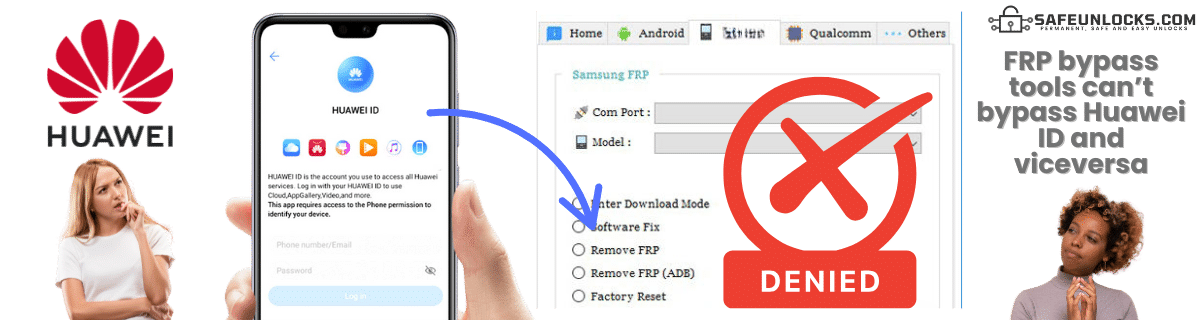
Huawei FRP bypass tools are mostly designed to remove the Google FRP lock, not the Huawei ID lock. Although many tools have implemented this option as well, it might not work properly, so it is better to look only for ID bypass tools in case you need that one instead of the Huawei FRP lock. Just remember that on your smartphone, you should have one account or the other, and once you reset the device, you will know right away what type of tool you need for your Huawei phone.
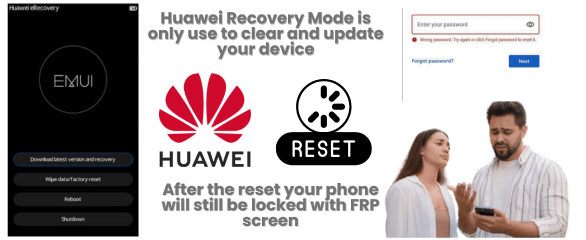
No, in this case, the recovery mode is not a way or method to bypass the factory reset protection. The recovery mode is mainly used to factory reset your Huawei phone and clear the cache, so it’s unrelated to the FRP and ID. In this case, you can bypass this lock on your Huawei phone using Google recovery methods or third-party tools like SafeUnlocks to regain access to your main Huawei screen.
It mostly depends on the method used to bypass the FRP lock and your Huawei OS version. This is because many tools are not updated to newer versions (since the security patches don’t let them bypass the Google account). Besides that, since the Google FRP lock on Huawei has more tools to bypass the lock screen, many people prefer to use the Google account instead of the Huawei ID, just in case.
However, that doesn’t mean that every Huawei FRP tool is going to work. As for newer Huawei devices, especially those running EMUI 10 and above, bypassing FRP is more complicated. Still, if you want a good way to bypass the Google account on Huawei without worrying about your current OS version, remember that SafeUnlocks is available and can help you bypass this lock in minutes for only $2.

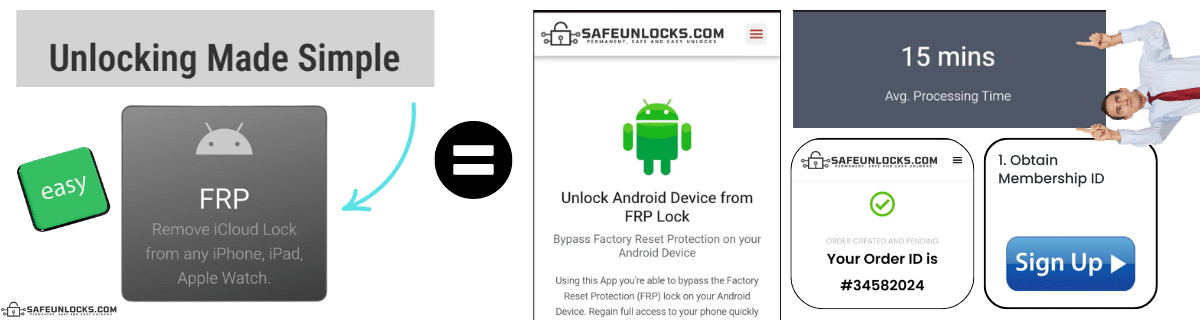
With our services, there’s no need to connect your Huawei phone to a computer or download any program or APK, as we will manage everything online with the help of specialized servers. The process is pretty simple, as you only need to complete a quick form with your name, email, Android model, and IMEI or serial number to identify and unlock your Huawei device.
After that process, you will have an order number, and to activate it, you will need to register with us and obtain your membership ID. This ID will prompt the servers to create a dummy account with your information so you can remove the screen lock without a Google account. Once you enter this info on the phone, it should unlock the FRP on your Huawei and let you access the phone to create or delete the account.
No, you don’t need a Google account to use most modern Huawei devices—especially those released after mid-2019—because Huawei no longer includes Google services due to U.S. trade restrictions. However, in their place, you will need to create a Huawei ID to access their services and apps.
To remove the FRP lock, you will need other methods or programs, as you can no longer bypass the Google verification screen with a simple code. This is because modern Android versions have patched that method for security reasons and as a way to force the FRP lock screen password even more.
Only if FRP is enabled and if you forget to delete or disable the account will you need to enter your Google account credentials after every factory reset.
Huawei has no official tool to remove Huawei FRP and ID lock. The FRP removal process has to be done with specialized tools or by recovering your Google account.