
Skip to content

How to Unlock a Vodafone Device in Europe

It’s frustrating when you find a cheap second-hand phone, but it won’t work with your network. Unlocking the device is easy and should only take about 10 minutes. Unlocking your Vodafone Phone will allow you to use any other mobile network provider in the UK or abroad that uses GSM technology. Unlocking can be done from home using a code provided by SafeUnlocks which offers a completely safe and secure service without any risk of damaging your phone.

How to Use SafeUnlocks

To unlock your phone, you can fill out the online Network Unlock Code request form. You’ll need to enter some information about yourself and what kind of account type you have with them. It’s worth noting that if there are any outstanding charges on your account it can still work as long as you use our Carrier Unlock tool.

Can I unlock my device directly with Vodafone?
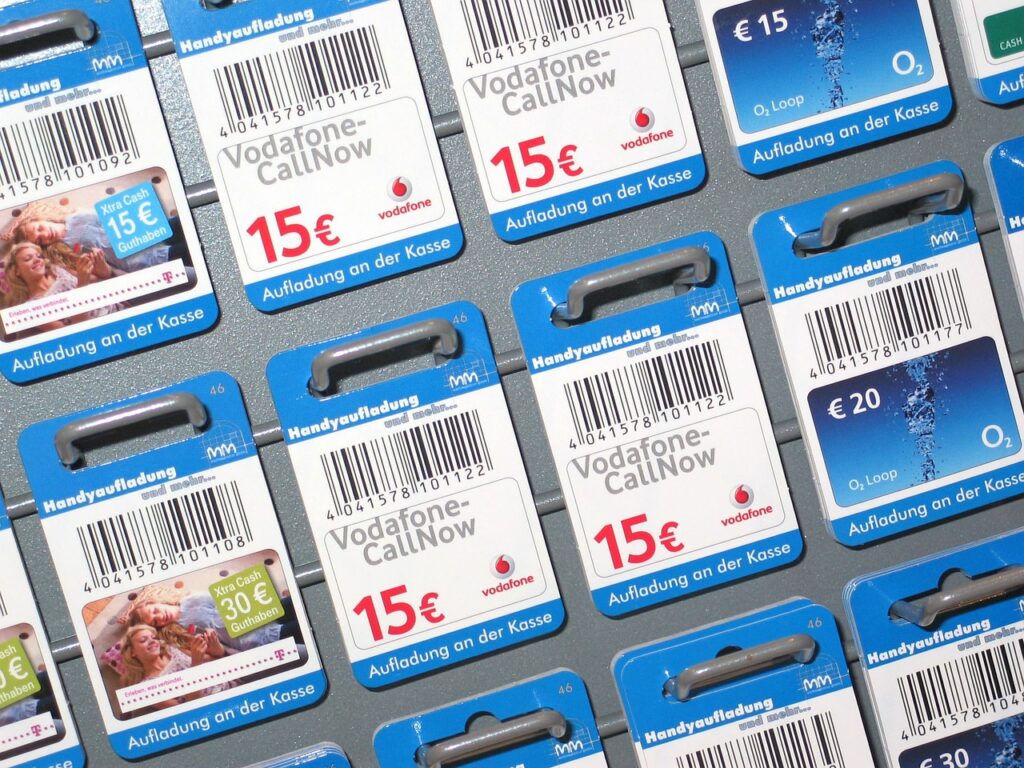
Unlock a Vodafone Device
How to Unlock a Vodafone Device in Europe 4

You could, however, this could be a lengthy process as the Unlocking Department are only available to contact between Monday and Friday, during business hours. If you’re looking for an easier solution then we recommend using SafeUnlocks which can unlock your phone within minutes without having to wait on hold or pay expensive rates or waiting for a long time.

Keep in mind that if you still want to go ahead and unlock your device using the Vodafone customer service you will need the following:

  • Be a loyal customer for Vodafone
  • Pay all your bills on time
  • Have no contract with the company
  • You have fully paid your phone
  • Phone is not blacklisted
  • Device was never reported as lost or stolen

Not everyone meets the desired requirements that Vodafone requires, this is not only frustrating but even if you have everything there is not guarantee your device will be unlocked.

SafeUnlocks makes it easy

Easy carrier unlock with us
How to Unlock a Vodafone Device in Europe 5

As you can see Unlocking your Vodafone Phone can be quick and easy. Unlocking with SafeUnlocks will take about ten minutes, compared to the lengthy process that you have to deal with if contacting their Unlock Departments directly. You’ll also avoid any unnecessary charges as there are none when using our service so all it takes now is a few simple steps

What do I need?

To unlock your device you will only need few things and complete a simple process, this is all your need:

  • IMEI number
  • Email
  • Complete process

What is is the IMEI and how to get it?

The IMEI number is a unique identifier for your device. It is usually located under the battery or on the back of the phone, but can also be found by typing *#06# into your phone’s dialer. The IMEI helps identify your mobile device and allows it to connect to mobile networks.

If you are having issues with setting up or connecting to your network, make sure that you have entered the correct SIM card, entered the right APN settings, and entered the correct MCC (Mobile Country Code) and MNC (Mobile Network Code). If you are using a Vodafone SIM card.

How long does it take?

Once you have filled out the Unlock Code request form and submitted your information, we will send a code to your email address. This process is normally completed within the hour but please allow up to 24 hours for our team to complete it as they will need time to research each device manually with our algorithm.

Unlock a Vodafone Device today!

Unlock your device today
How to Unlock a Vodafone Device in Europe 6

Don’t leave yourself stuck with an unreliable network that doesn’t use the technology your phone supports. Unlocking allows you to switch between networks quickly and easily, allowing you to get more value out of your device if it is unlocked. Unlock Vodafone Phone today using our safe, secure service.

If you have any questions do not hesitate to contact us, one of our members will be happy to respond all your questions.

How to compare device lock

Phone “unlock” ads mix SIM locks, iCloud, FRP, PUK, and blacklist flags. device lock needs that split before you compare prices in 2026. SafeUnlocks is a comparison portal: we do not process a device unlock at checkout.

Write down the official unlock or recovery rules from the original operator or maker before you open a third-party form. Eligibility, fees, and turnaround belong in that note. If a listing contradicts the published policy, treat the listing as the weaker source.

If you cannot show the IMEI and the lock screen, you cannot compare listings honestly. device lock depends on those two facts. /random-imei-generator-online explains IMEI structure; it is not a blacklist cleaner or a network release.

SafeUnlocks publishes comparison copy for “How to Unlock a Vodafone Device in Europe.” We do not take payment to unlock a device, and we do not run a hidden shop behind this URL. If a form appears on the page, treat it as a path into a listed partner flow, then read the partner’s terms before you send an IMEI.

Skim the headings, then the related device lock guides. If a child page names a different country or brand than device lock, it is a sibling, not a translation of this URL. That is how the comparison set is organized.

A shop that sells one price for every lock type is not comparing the same job. device lock sits in the generic bucket. Cross-check the lock screen against that bucket before you treat a quote as relevant.

Ask every listing for device lock whether a finance hold or theft report blocks the job. A shop that will not answer that in writing is not a complete option on this comparison page.

Timelines for device lock are not one number. Official carrier or brand desks may take hours or several days. Blacklist and Activation Lock cases can sit longer because a third party owns the record. Any 2026 “five minute” claim should name which lock type it is talking about.

If the line still owes money, official desks will often refuse device lock. Third-party listings that ignore that sentence are selling a different job than the one on the lock screen.

Bookmark the official policy and your IMEI note, then use the device lock guides to move sideways. device lock is one node in that map, not a promise that every device in the family will qualify.

Inbound links to /how-to-unlock-a-vodafone-device-in-europe should describe device lock, not a generic “click here.” This briefing exists so the visible copy on the URL is long enough and specific enough to stand without rewriting the imported HTML by hand.

If you landed on /how-to-unlock-a-vodafone-device-in-europe from a country or brand that is not named in device lock, you are probably in the wrong leaf. Use the hub links rather than forcing this title (“How to Unlock a Vodafone Device in Europe”) to cover a different lock.

Elementor leftovers can start at H2. The portal heading and this copy are the on-page H1 layer for “How to Unlock a Vodafone Device in Europe.” They do not change the imported screenshots or forms; they add the comparison context those layouts omitted.

SafeUnlocks will not invent a publish timestamp for /how-to-unlock-a-vodafone-device-in-europe. Dates in schema come from WordPress listings, visible bylines, or the media folder year-month on images that already shipped with the page.

The slug how-to-unlock-a-vodafone-device-in-europe is how this 2026 URL is stored in the site map. Humans should read the title “How to Unlock a Vodafone Device in Europe” and the subject line device lock. Search engines get the same lock label (device lock) in the heading and in this briefing so the page is not a thin Elementor shell.

Inbound links to /how-to-unlock-a-vodafone-device-in-europe should describe device lock, not a generic “click here.” This briefing exists so the visible copy on the URL is long enough and specific enough to stand without rewriting the imported HTML by hand.

If you landed on /how-to-unlock-a-vodafone-device-in-europe from a country or brand that is not named in device lock, you are probably in the wrong leaf. Use the hub links rather than forcing this title (“How to Unlock a Vodafone Device in Europe”) to cover a different lock.

Elementor leftovers can start at H2. The portal heading and this copy are the on-page H1 layer for “How to Unlock a Vodafone Device in Europe.” They do not change the imported screenshots or forms; they add the comparison context those layouts omitted.